Rivelark
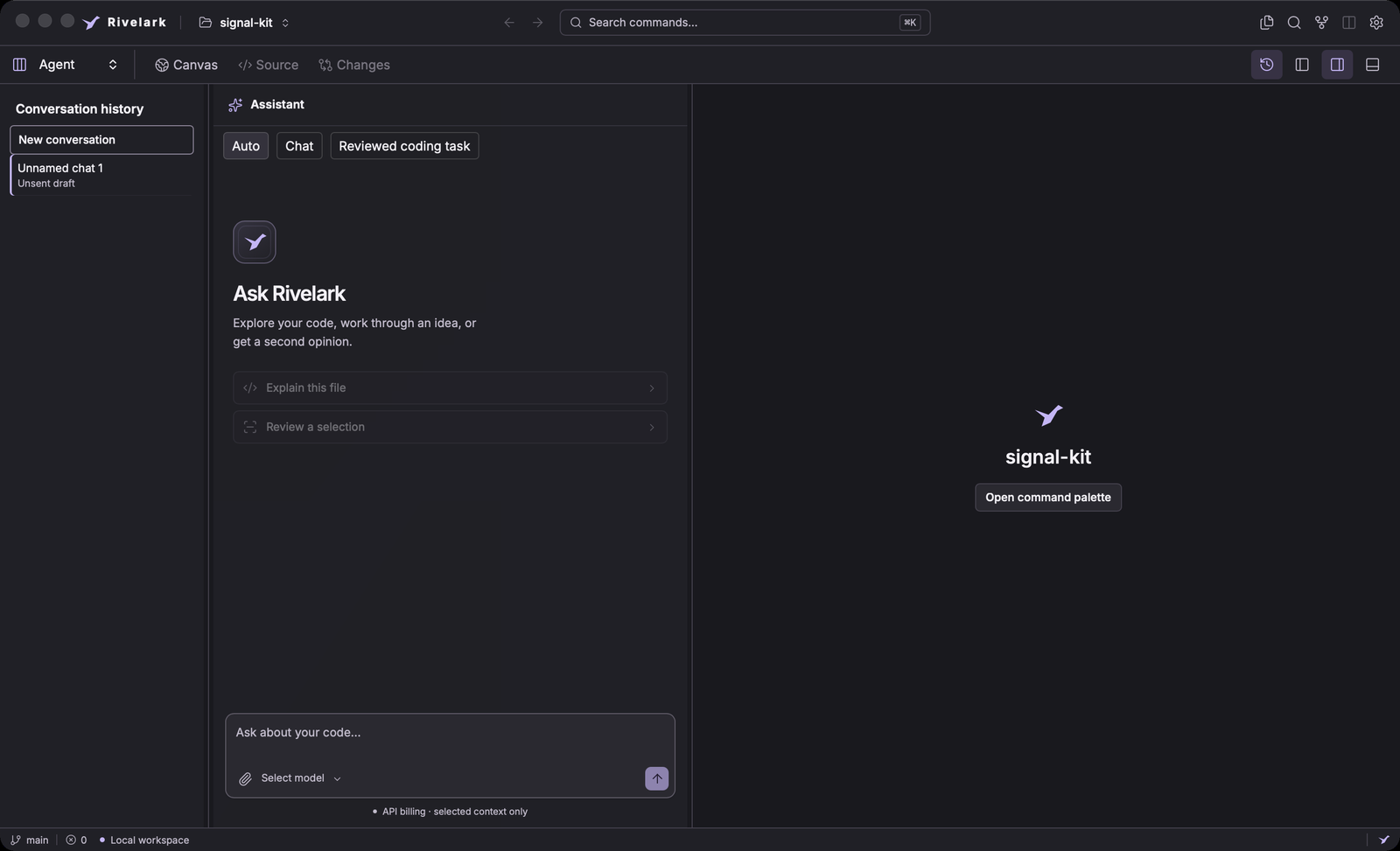
A local-first AI coding IDE for Apple Silicon Macs. Ask for a change in chat, read the complete file diffs, and try the approved result in a live browser next to the source.
- Version
- 0.3.6
- Size
- 382 MB zip
- Requires
- macOS 13.5 or later, Apple Silicon
- Signed
- Developer ID, notarized by Apple
- SHA-256
- 4211bc2afb53be78ca82d96de6845069f32919fa590aee52905af88ffd0dd7db
What it does
You describe a change in chat. Rivelark proposes it as complete file diffs, and nothing lands until you approve it. It records a checkpoint so you can roll back.
Approved changes can be tried in a live browser beside the source. There is also a Git explorer, a terminal and a project index.
Agent opens with chat. Developer puts the file explorer beside the editor. Canvas opens the local preview. Each layout remembers its panel sizes for the project.
It first opens on Signal Kit, an editable TypeScript project. Use File, Open Folder, or press Command-O, to open your own.
Models
You can connect OpenAI, Anthropic, Google Gemini, xAI, Ollama, or any OpenAI-compatible endpoint with your own API key. Apple Intelligence and local Ollama models run on your Mac. Direct API requests are billed to the account that owns the key.
Install
Unzip the download, drag Rivelark.app into Applications, and open it.
Changes in 0.3.6
Shared workspaces across the three layouts, searchable settings, accounts scoped per provider, optional project onboarding, and a native review workflow for file changes.